


A video editor Claude can useComing soon

Tell Claude the video. Watch it get made.

Give Claude a voiceover or raw footage. It edits inside Auto Edit Flow on your Mac and sends you the draft: history stories, motion graphics, talking heads with B-roll, Shorts.

You give it

  • Voiceover (2 min)
  • Your illustrated scenes

You get

  • Every picture animated: push-ins, pans, parallax
  • Cuts and transitions on the beat
  • Sound effects and music under the voice

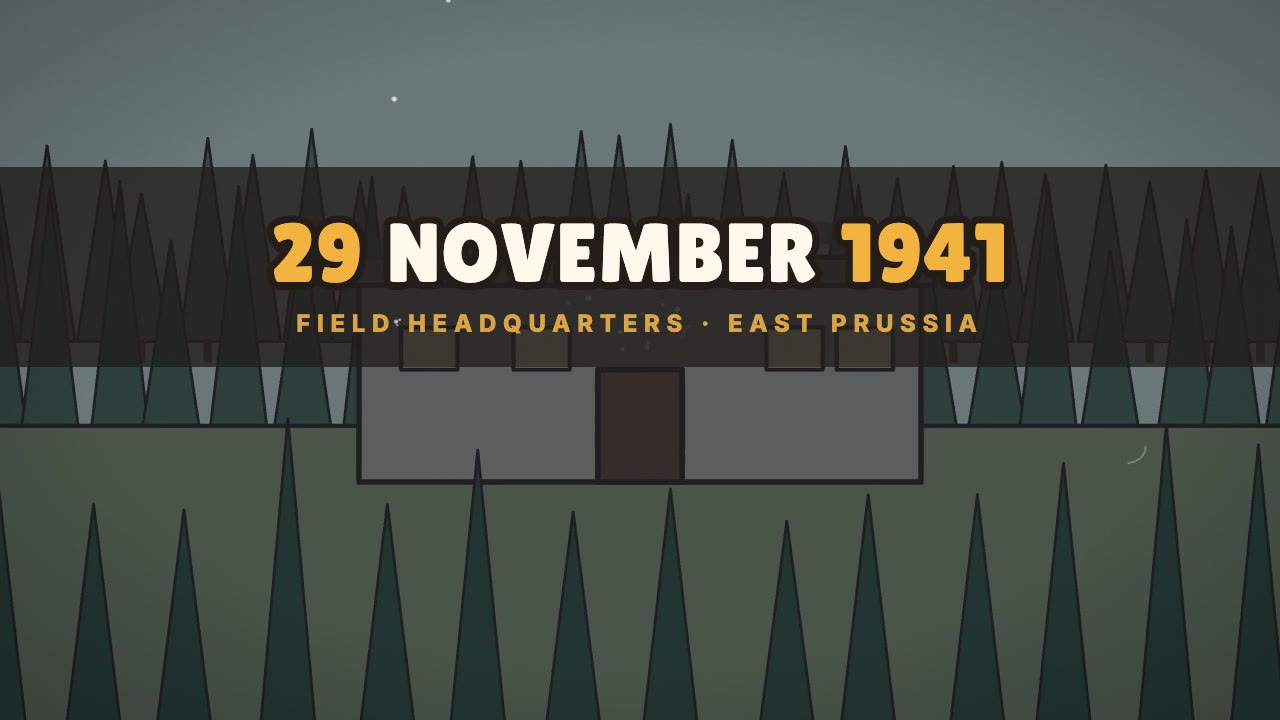
You give it

  • Voiceover (7 min)
  • Nothing else

You get

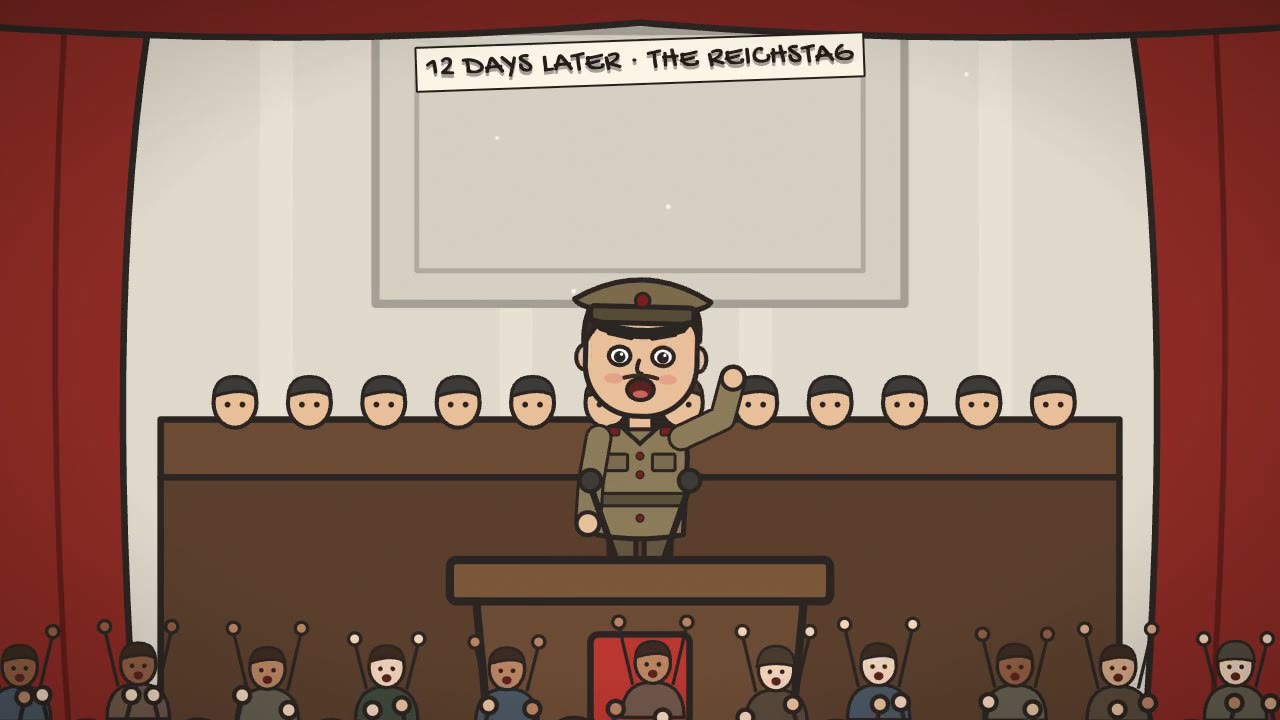
  • Original characters that talk and react
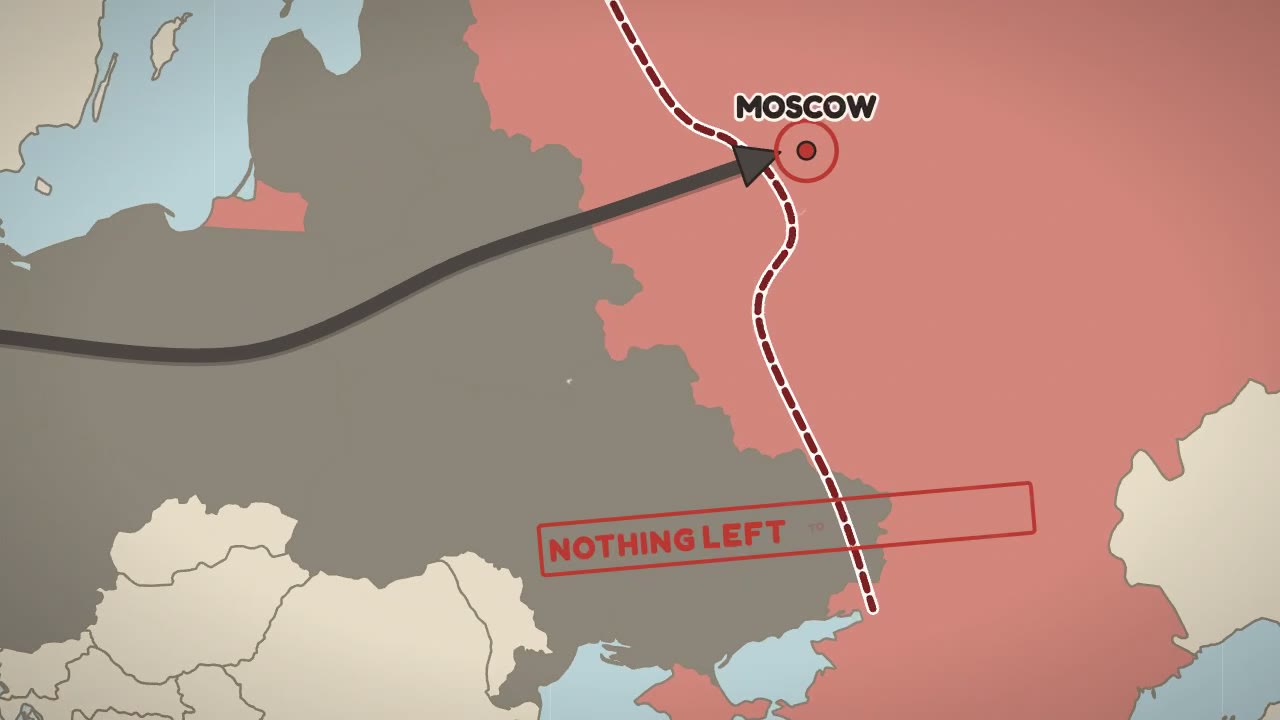
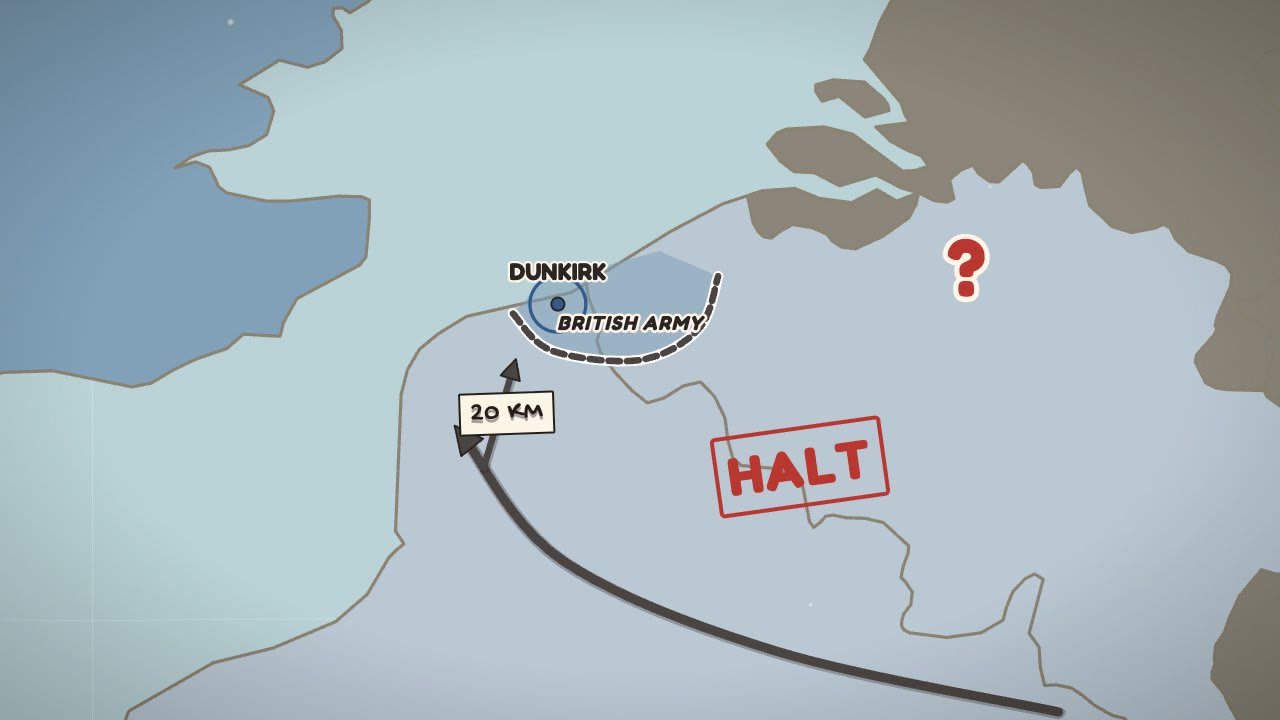
  • Real maps with fronts and arrows
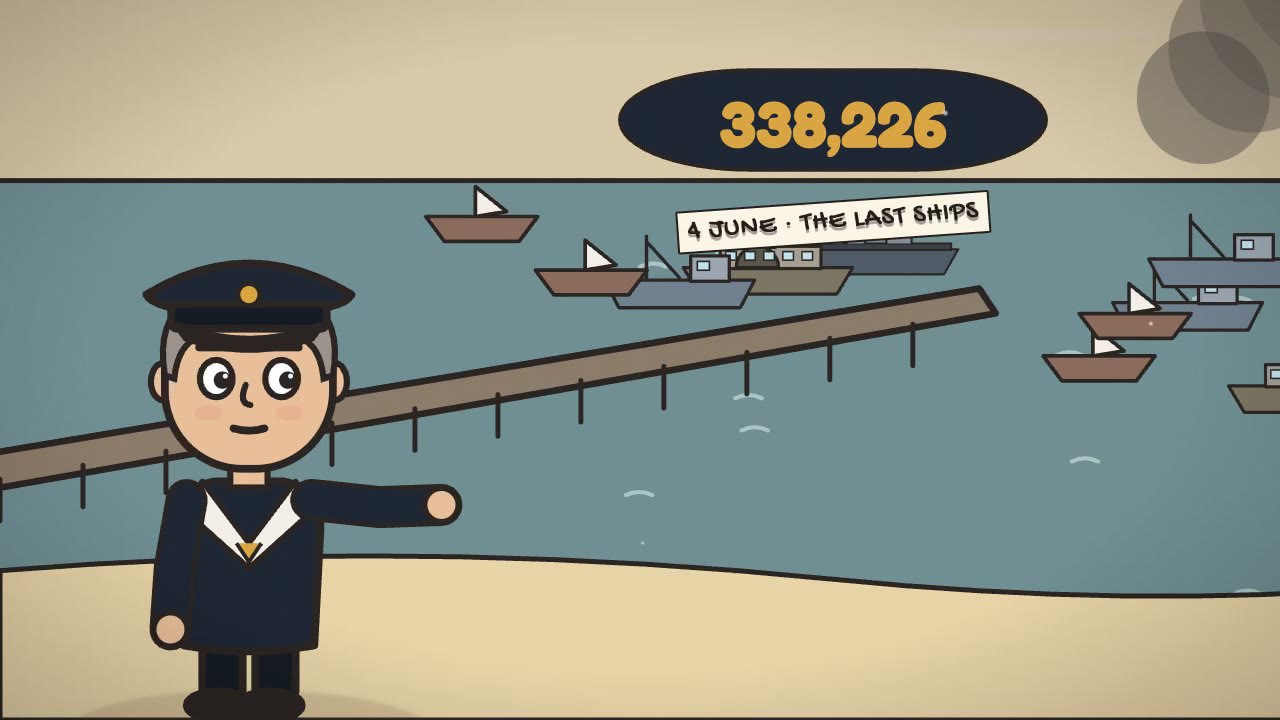
  • Close-ups, crowds, titles, stamps

You give it

  • Script or voiceover
  • Your brand colours (optional)

You get

  • Kinetic text on the spoken word
  • Icons and cards that animate and connect
  • Transitions with sound on the cut

You give it

  • Raw camera clips
  • A folder of B-roll (optional)

You get

  • Retakes, pauses and filler words removed
  • B-roll and punch-ins planned line by line
  • Captions, colour and a clean voice

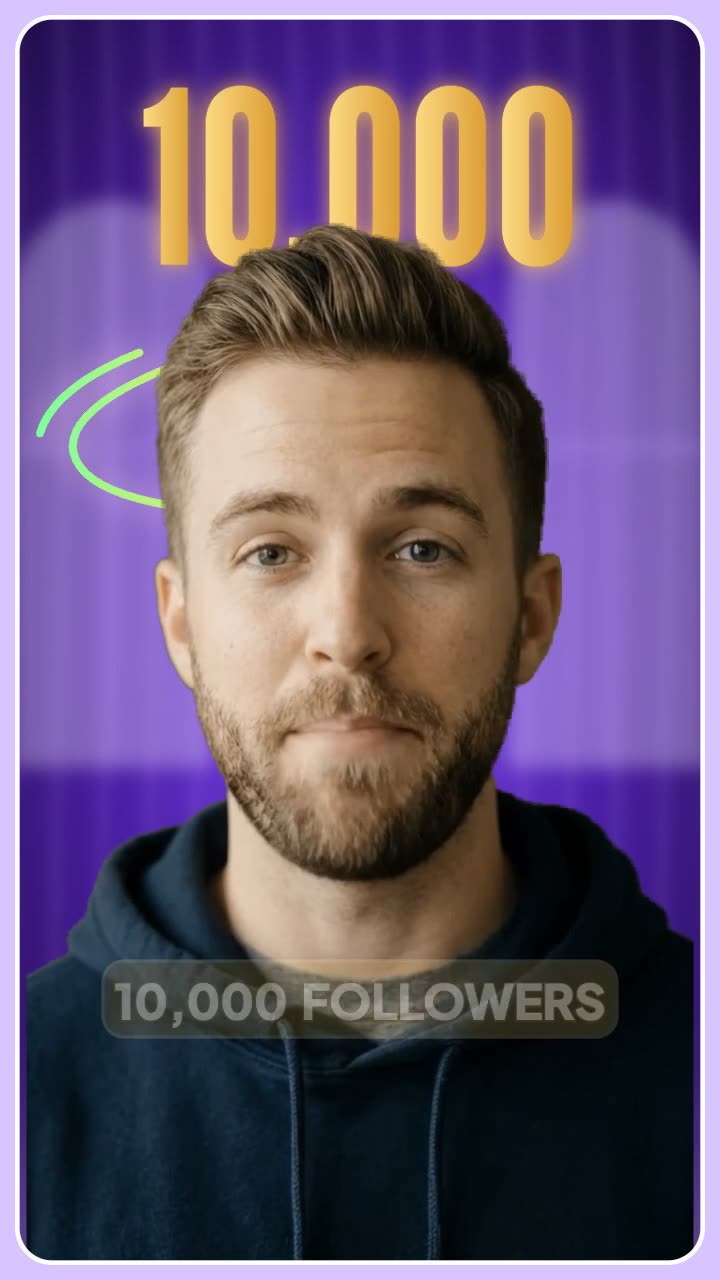
You give it

  • A voiceover or a script
  • The idea in one line

You get

  • 9:16 frame, made for the phone
  • An animated graphic on every point
  • Ready for Shorts, Reels and TikTok

Watch Claude edit

This is the real editor. You type a request, Claude uses the app's tools, the clips appear on the timeline and the preview plays the result.

Real Turning Point of WW2 — Auto Edit FlowClaude is editing
4
00:00:0107:00
3
00:0000:3001:0001:3002:0002:3003:0003:3004:0004:3005:0005:3006:0006:3007:00
Scenes
backdrop_add
Characters
toon_addtoon_add
Maps
map_addmap_add
Graphics
clip_path
Sound
  1. 1You ask in plain words
  2. 2Claude picks the app's tools
  3. 3Clips land on your timeline
  4. 4You watch the result

What you can make

One editor for four very different kinds of video. Every clip below was edited by Claude in the app.

Ancient history and storytelling

Your illustrations, brought to life

Give Claude a voiceover and the pictures for each scene. It times every picture to the line it belongs to and makes it move, so a still image never just sits there.

  • Every image moves with push-ins, pans and depth
  • Cuts land on the voice, with transitions that fit the mood
  • Sound is laid for you: ambience, effects and music
  • Long scripts are fine: 100+ scenes in one edit
Motion graphics

Motion graphics without After Effects

Describe the idea; Claude builds it from the app's own shapes, text, icons and charts. Everything stays editable on the timeline, nothing is a flat video.

  • Kinetic text that appears on the exact spoken word
  • Icons, cards, charts and counters that animate in
  • Camera moves and draw-on lines between ideas
  • Your brand: colours and fonts saved once, used every time
Raw clip
After Claude

Raw footage and B-roll

From a camera dump to a finished cut

Drop in your talking-head clips. Claude picks the best take of each line, cuts the dead air and dresses the cut with B-roll and graphics.

  • Retakes, pauses and filler words come out first
  • B-roll is planned line by line from your folder or the library
  • Punch-ins follow your face, tracked on your Mac
  • Captions, colour and a clean voice before you see it

Cartoon history and explainers

Characters, places and real maps

No pictures? Claude builds the scenes from the app's own cast, rooms and maps. Characters talk with your voice, maps show where it happened.

  • 28 original characters that talk, walk and react
  • Real borders, fronts and arrows that move on the word
  • Close-ups and crowds, so a scene never sits still
  • Works for finance, science and news, not only history

Start in three steps

A few minutes from download to your first request.

  1. Install the app

    Download it, drag it into Applications and open it. It's a normal video editor; you can use it by hand too.

  2. Connect Claude once

    Paste one line into Claude Code, or add it in Claude Desktop. Claude now sees the app's 321 tools.

  3. Ask for the video

    Drop in a voiceover or footage and say what you want. You get a draft in the chat, and the project stays open for you to change.

From a voice to a finished draft

  1. 1

    Claude listens first

    The voiceover is transcribed word by word, junk takes and long pauses are cut, and every word gets a timestamp — so each visual can land on the word it belongs to.

  2. 2

    It plans every beat

    The script is split into beats. Each beat gets a place, a character, a camera move and a reason to change the picture — written down before anything is built.

  3. 3

    It builds in the editor

    Claude calls the app's tools: backdrops, characters that talk from the words, real maps, numbers, captions, transitions and sound. Every change lands on the timeline you can see and undo.

  4. 4

    It checks its own work

    Pacing, layout and a full edit review run before you see anything. Dead air, overlapping text, off-frame charts and boring stretches are fixed, then checked again.

  5. 5

    You get a draft to review

    A draft video, a GIF of the hook and a contact sheet arrive in your chat. Ask for changes in plain words — or open the project and edit it by hand.

♪ turning-point-voice.mp3 7:02
pause 1.8s · removed
On0.2s290.4sNovember0.7s1941,1.2sFritz1.9sTodt2.2swalked2.6sinto2.9sthe3.0sWolf's3.2sLair3.6s
0:00
Forest HQ at nightbackdrop + title, slow push
0:06
Todt enters, worriedtoon walk-in, close-up
0:14
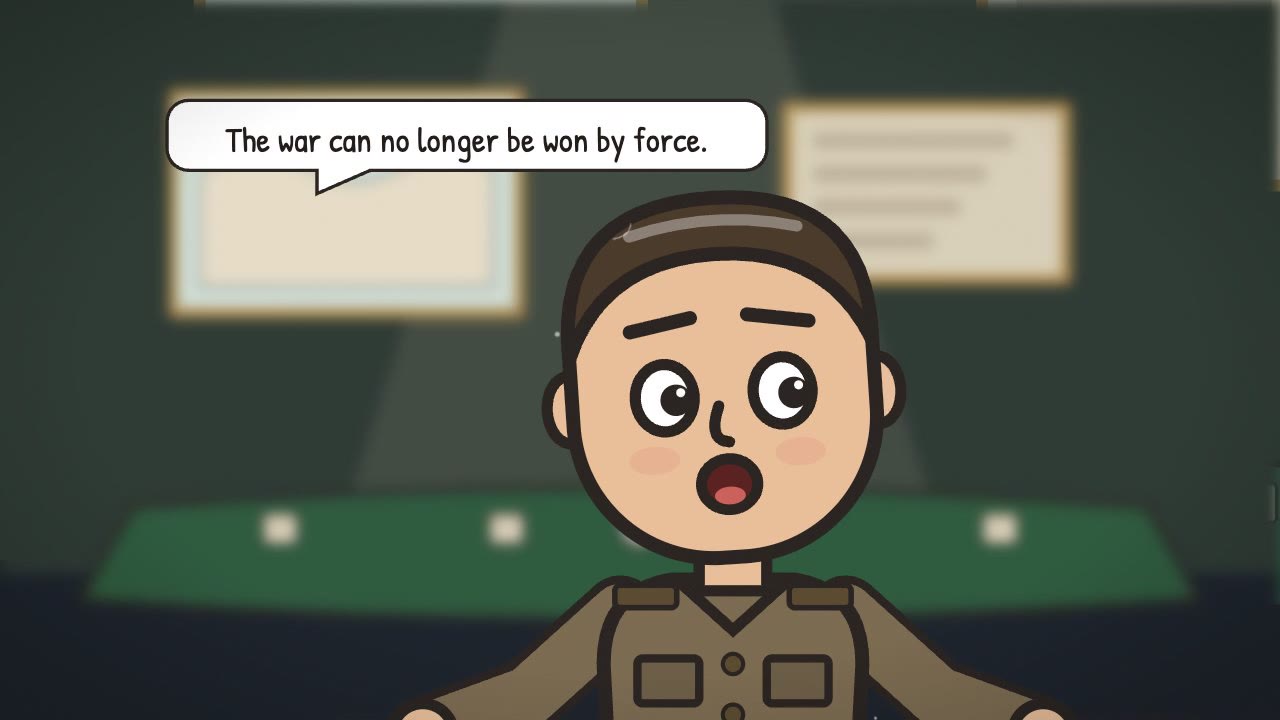
"The war is lost."quote card, hold 2s
0:21
Moscow, the front stallsreal map + arrows

26 beats planned for 7 minutes

  • backdrop_addforest-hq
  • toon_addarmaments-minister
  • camera_coverageevery 1.5s
  • map_addfront + arrows
  • captions_autostory-bubble
  • sfx_auto38 categories
Pacing92
a change every 2.1s
Layout100
no overlaps, in frame
Edit review96
1 note fixed

All gates passed — sending the draft

Here's the first draft of part 1. The hook lands on “the war is lost” at 0:14.

draft.mp4 · 7:02
hook.gif
contact-sheet.jpg
Make the map scene slower and add a heartbeat under the quote.

Everything is already in the app

Characters, places, maps, icons, sounds and checks, so Claude never has to go looking.

Real maps that move

Natural Earth borders, fronts, arrows and pins, with the camera flying from Europe down to one town.

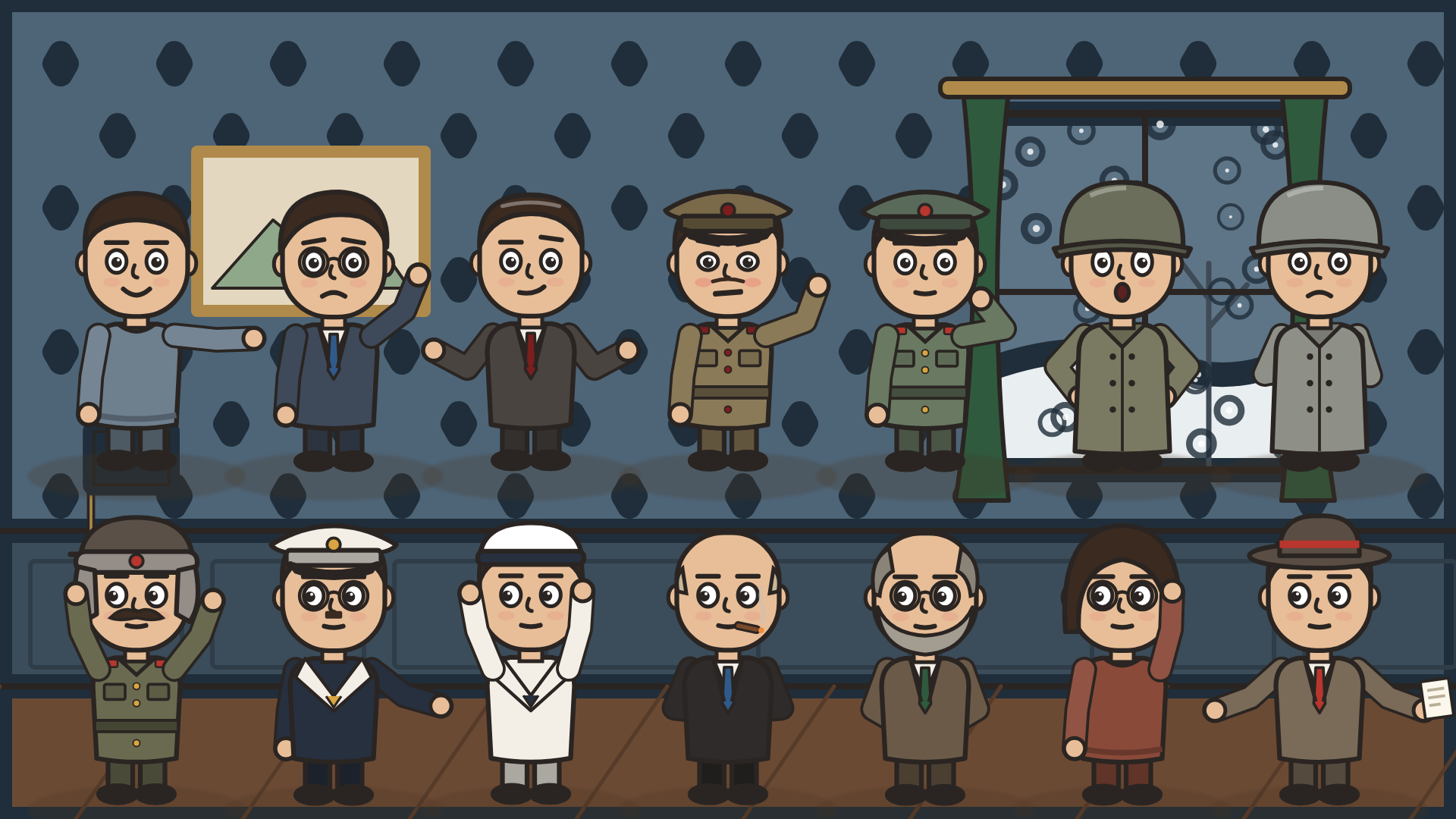
A row of original cartoon characters from the app's cast

A cast that acts

28 original characters. Their mouths follow the voiceover's words; they walk, point and react.

321tools Claude can call
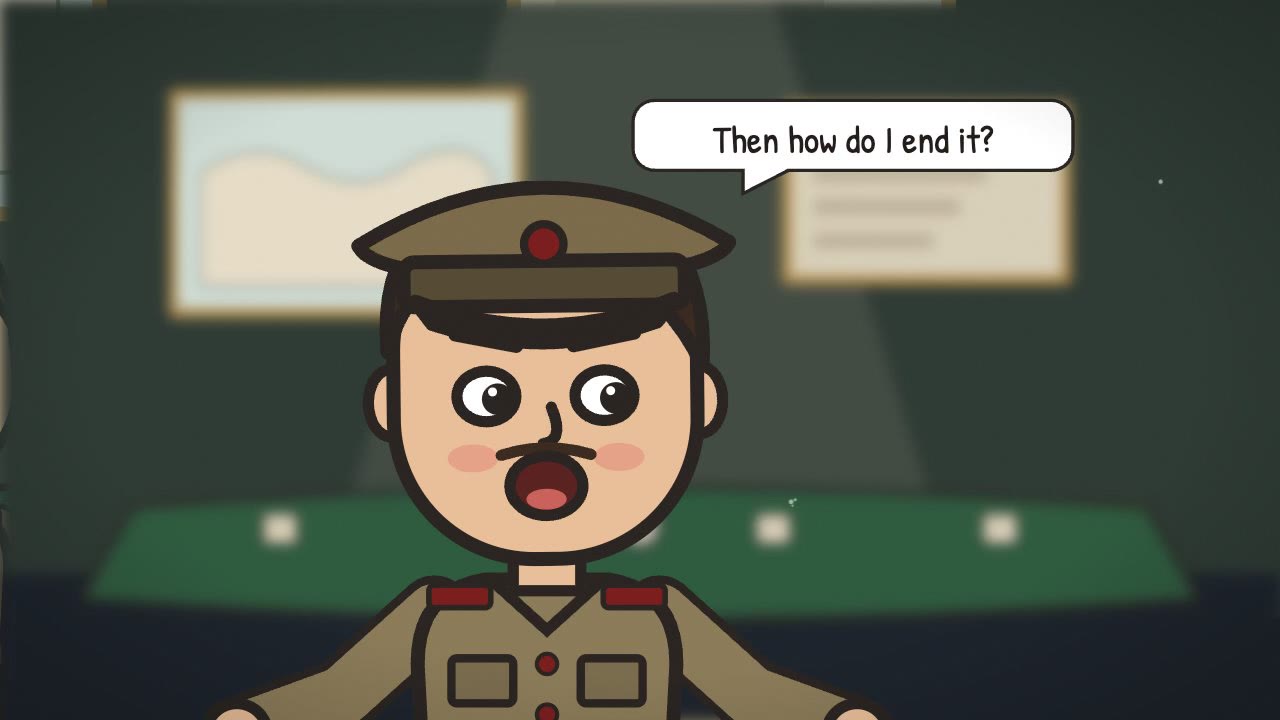
A character asking a question in a speech bubble

Type with a voice

Story titles, tags, bubbles and boards. Wrap a word in stars and it lands on the beat.

Pacing you can measure

Every stretch over 2.5 seconds without a change gets flagged and fixed before you see the draft.

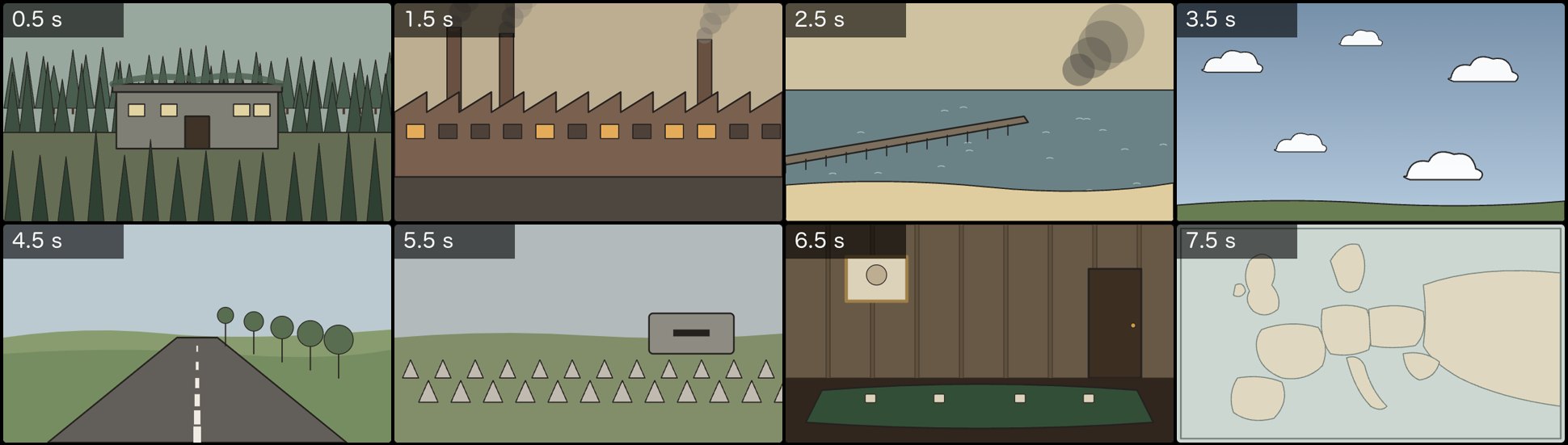
Backdrops, props and drawings from the built-in history kit

A library that's already there

2,071 story icons, 22 places, 2,915 sound effects in 38 groups. Save your own characters and scenes for the next video.

See every feature

How Claude connects

The app runs a small private server on your Mac. Claude connects to it once and can then use 321 editing tools, the same way you use the timeline, with one shared undo.

Claude Desktop or Claude Code talks to a small stdio bridge, which talks to Auto Edit Flow's local control server on port 5599, which drives the editor. ClaudeDesktop · Code · any MCP agent stdio bridgestarts the app if needed local server127.0.0.1:5599 · token/mcp · /api/cmd/<tool> Auto Edit Flowtimeline · preview · render scripts and other agents can call the same tools over plain HTTP
  1. ClaudeDesktop, Code or any MCP agent
  2. stdio bridgestarts the app if needed
  3. local server127.0.0.1:5599, token required
  4. Auto Edit Flowtimeline, preview, render
claude ⇄ localhost:5599/mcp

Connect it in one line

Paste this into a terminal with Claude Code installed. Claude Desktop points at the same file from its config; the setup guide has both.

claude mcp add scenely -- node "/Applications/Auto Edit Flow.app/Contents/Resources/app/mcp/stdio-shim.mjs"
Full setup guide

Questions people ask first

Do I need Claude to use it?

No. Auto Edit Flow is a full timeline editor on its own. Claude (or another MCP agent) is what lets you edit by describing the change instead of doing it by hand.

Which Claude apps work?

Claude Desktop and Claude Code. Both connect over the Model Context Protocol and see the same 321 tools. One command adds it to Claude Code; Claude Desktop uses a short config entry.

Does my footage leave my Mac?

No. The control server only listens on your own Mac and needs a token. Media is never uploaded unless you approve a step that needs it, such as a cloud transcription.

What kinds of videos is it good at?

Voice-led videos: ancient history and story channels built from your illustrations, cartoon explainers with characters and real maps, motion graphics, Shorts, and talking-head footage that needs cuts, B-roll and captions.

Can I fix things by hand?

Yes. Everything Claude makes is ordinary clips on ordinary tracks. Drag, trim and restyle them, and Claude sees your changes the next time it looks. Undo is shared.

Which Macs does it run on?

Version 0.22.0 runs on Macs with Apple Silicon (M1 or later). Exports are rendered locally.

Give Claude your next voiceover.

Auto Edit Flow is coming soon for Macs with Apple Silicon. Connect Claude once; every edit after that starts with a sentence.